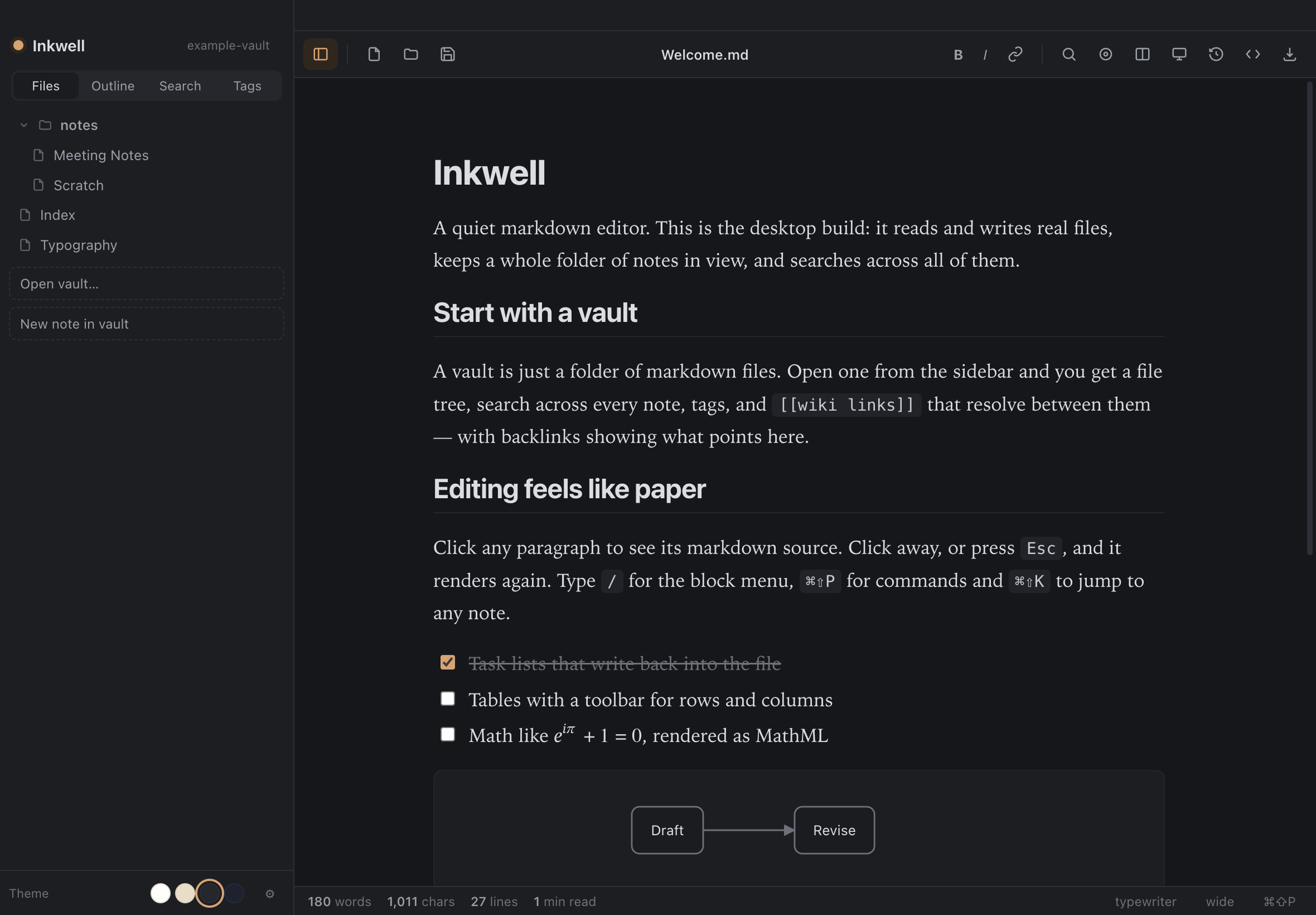
Inkju opens your markdown as finished prose — no asterisks, no pound signs.
Switch to the raw source with one key when you want it, and zoom the page to any size.
Free for 14 days, then $15 once · no accounts · no telemetry · your notes stay plain files
Inkju — running in your browser
What it does
A notebook that keeps out of the way
Your notes are plain markdown files in a folder you chose — no database,
no sync service, nothing to lock you in. Everything works offline; the only request
Inkju makes on its own is asking this site whether there is a newer version, and you
can turn that off. Connect a Google Drive and it talks to Google too — because you
asked it to.
Vaults
Open a folder and get a real file tree, search across every note, tags, and
[[wiki links]] that resolve — with backlinks showing what points here.
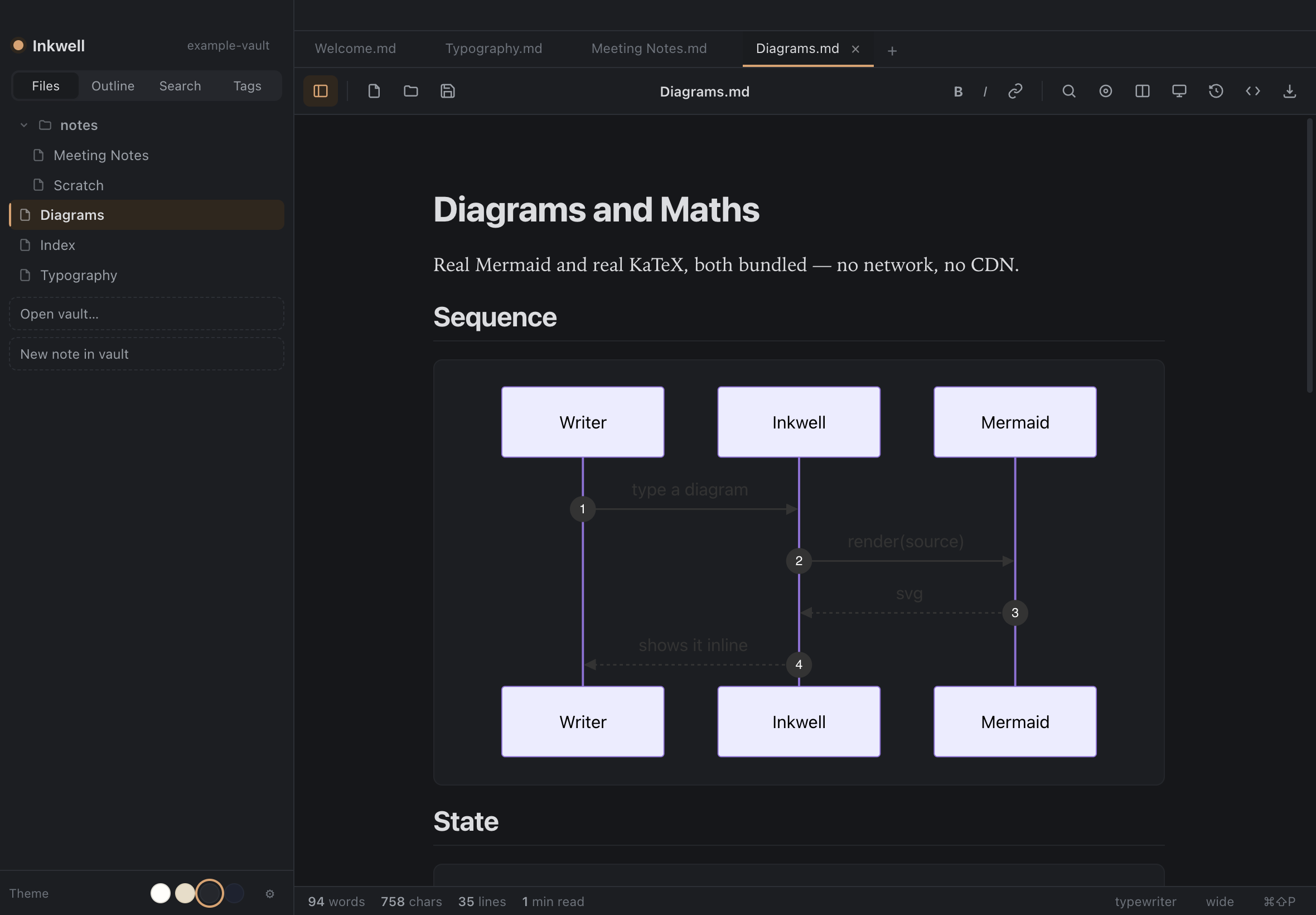
Real diagrams
Mermaid is bundled, not approximated: flowchart, sequence, class, state, ER, gantt,
pie, journey, mindmap and gitGraph.
Real mathematics
KaTeX with the mhchem extension. Fractions, matrices, aligned environments and
chemistry render as you type.
Export anywhere
HTML, PDF, Word and plain text out of the box. Add Pandoc and docx, LaTeX, EPUB,
RTF and reStructuredText appear too.
Fast to drive
Command palette, quick open, a slash menu for blocks, auto-pairing, table tools,
find-and-replace with regular expressions, and zoom: ⌘+ and ⌘− make the text and the page
larger together.
The AI you already have
Ask Claude Code, Codex or opencode about the note you are writing, from a bar over the
document. Inkju ships no model and holds no key — it drives the command line already on
your Mac, under your own account. It proposes; you accept.
A folder as its shape
See a whole folder as a diagram — every file, not only notes — and build it there. Lay
out skills and context for an AI: add, drag and rename on the canvas, start a skill in
one step, and click a file to read it beside the tree.
Your Google Drive
Open, edit and save the Markdown already in your Drive — no sync folder, no second
copy to reconcile. You hand Inkju files through Google's own chooser, so it sees
what you picked and nothing else.
Never lose work
Autosave to disk, file watching with conflict prompts, and version history you can
walk back through — a snapshot on every save.
Rendered inline
Diagrams and equations, as you type
Sequence, state, class and ER diagramsGantt charts, pie, mindmaps, gitGraphFull LaTeX, including chemistryBaked into every PDF and HTML export
Two builds
One editor, two shapes
The same editing model and the same markdown engine. They differ only in
what the surrounding application is allowed to do.